

Adding Killzones
This page is a step by step guide to making a 2D platformer
Adding Killzones
Next let's make a killzone so that when you fall off the map or hit an enemy, you'll restart the level.
Create a new scene with an Area2D node and rename it Killzone. Go to Collision in the Inspector and change the mask to only have 2 selected.
Attach a script to Killzone. Default options are ok.
Click on Killzone and in the node menu on the right connect the “body_entered” signal to the Killzone script. Replace the all of the code in the script with this:
extends Area2D
## Kill area, reloads the game


# Restart the game when the engine is free to do so
func _on_body_entered(body:Node2D):
    get_tree().call_deferred("reload_current_scene")
After saving, you can now drag this scene into your Level1 scene.
Give the Killzone a CollisionShape2D as a child node in the Level1 scene and rename it to Collider. Make the shape a New WorldBoundaryShape2D. Drag this below your platforms so the player can fall into it.
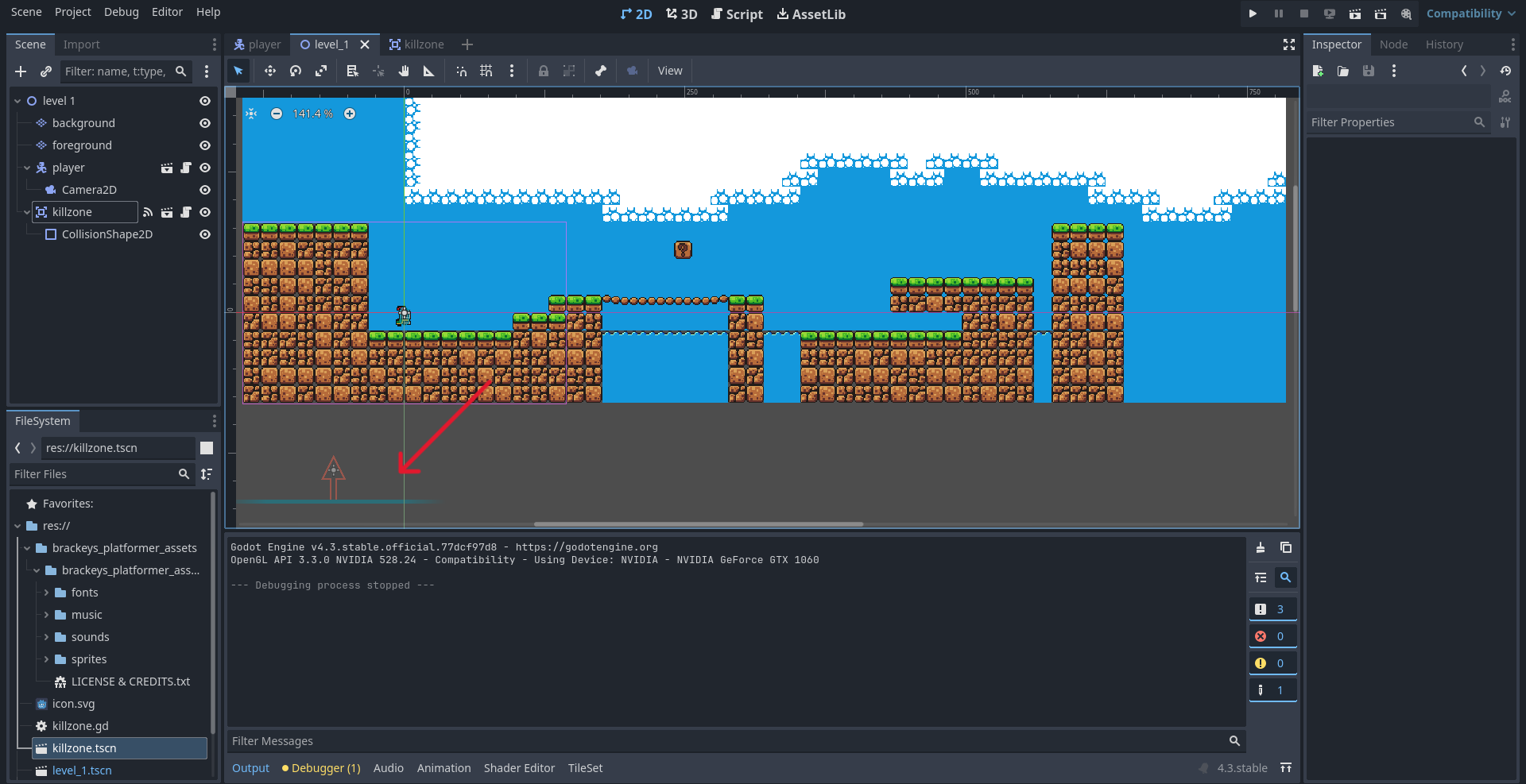
You don't need to stretch it out as it will automatically cover the bottom of the scene.
- I have added a new scene
- I have attached a script
- I have added the killzone to my level