

knowledge hub
129
Extra: Boost
This page works through creating a full 3D racing game step-by-step
Boost
If you want a little extra help with speed, here we go!
In the
hud.tscnscene: Add a ColorRect node under the main Control node.- Rename it to
Boostand change it's size to an upright rectangle on the right side of the screen. - Change the colour to transparent(ish) dark green.
- Add another ColorRect node under the main ColorRect
Boostnode. Rename this toBoostIndicator. - Add
BoostIndicatorto thelabelsglobal group (in Node > Signals). - Add a Label as a child of the
Boostnode and set the text toBoost. Set the scale to 1.5.
- Rename it to
Bind a 'Boost' to your Space Bar in the Settings > Input Map.
Inside our
car.gd, add in these changes.var boost_multiplier = 1.5 # Factor to increase acceleration during boost var boost_duration = 2.0 # Boost lasts for 2 seconds var boost_cooldown = 5.0 # 5 seconds cooldown between boosts var is_boosting = false # Tracks if boost is active var boost_timer = 0.0 # Timer to track boost duration var cooldown_timer = 0.0 # Timer for boost cooldown var boost_rect_size = 370 # Change this to your rectangles current size! var boost_indicator func _ready() -> void: # (exisiting code) boost_indicator = labels.filter(func(label): return label.name == "BoostIndicator")[0] func _process(delta: float) -> void: # Handle boost activation with space bar if Input.is_action_just_pressed("Boost") and cooldown_timer <= 0.0: start_boost() # Update timers if boosting or in cooldown if is_boosting: boost_timer -= delta # the lerp function maps the timer to the boost bar. boost_indicator.size.y = lerp(0, boost_rect_size, boost_timer / 2.0) if boost_timer <= 0.0: end_boost() # End boost when timer runs out elif cooldown_timer > 0.0: cooldown_timer -= delta boost_indicator.size.y = lerp(boost_rect_size, 0, cooldown_timer / 5.0) boost_indicator.color = Color('ca7566a5') # transparent red else: boost_indicator.color = Color('caff66a5') # transparent green func _physics_process(delta: float): # steering & speed physics # (exisiting code) var acceleration = Input.get_axis("Backward", "Forward") # Add a check if the car is boosting between acceleration declaration # and before the rpm declaration if is_boosting: acceleration *= boost_multiplier # Apply boost multiplier var rpm = abs($BackLeftWheel.get_rpm()) # (exisiting code) func start_boost(): is_boosting = true # Activate boosting boost_timer = boost_duration # Set the boost duration timer cooldown_timer = boost_cooldown # Set the cooldown timer func end_boost(): is_boosting = false # Deactivate boosting
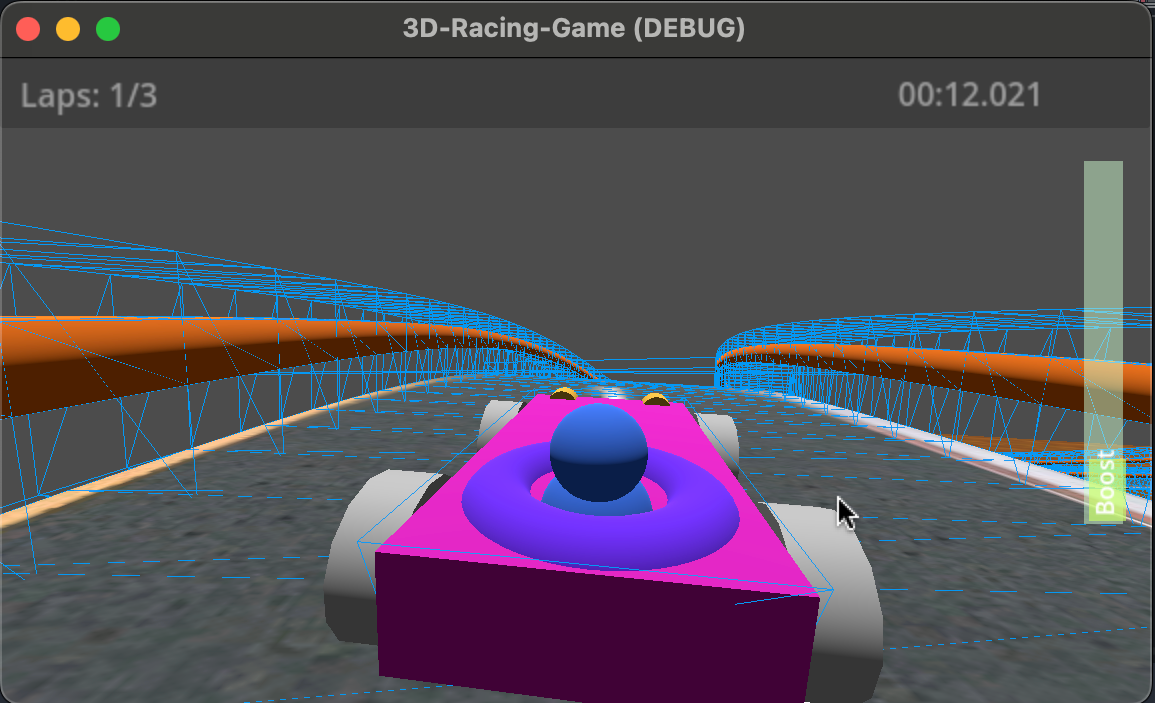
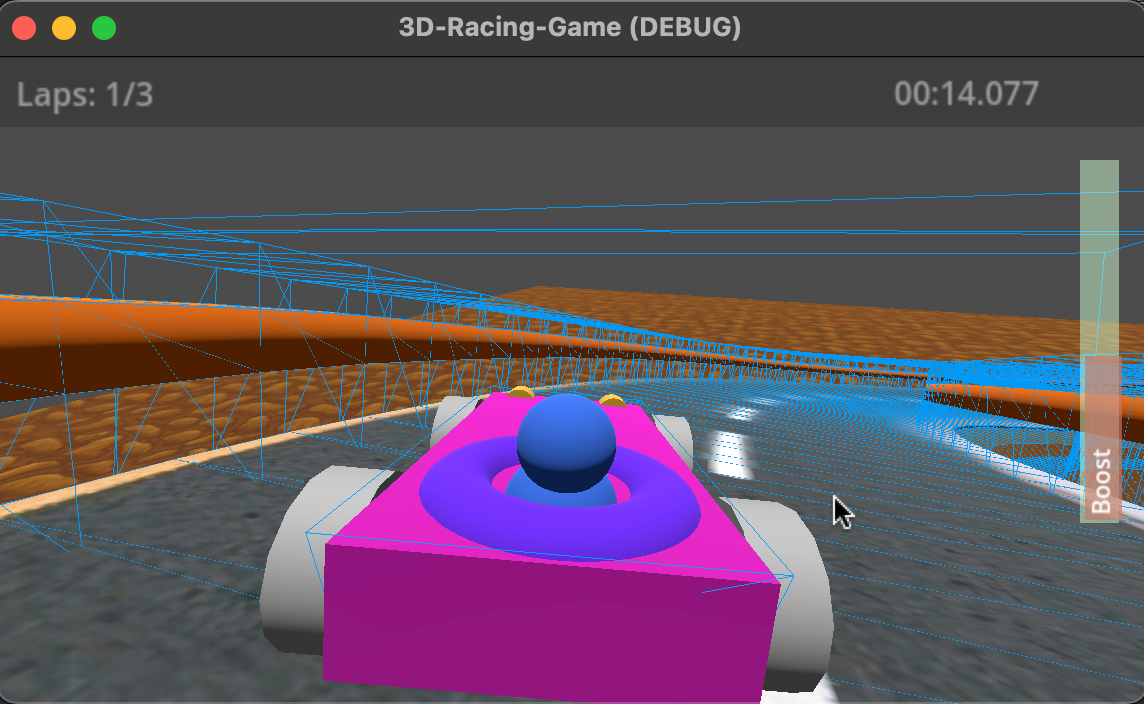
You should now have something like this:
When pressing space bar:
When the boost is reloading:
- I've built a boost bar!